GitHub
Configuration and verification required
Connect approved MCP clients and upstream systems through Durin’s identity, consent, policy, and production trust boundary.
Configuration and verification required
Configuration and verification required
Configuration and verification required
Configuration and verification required
These are connection setup paths. Consent, discovery, activation, and verification remain prerequisites before a production connection is used.
Each integration has two trust relationships: the employee or client to the Durin gateway, and Durin to the upstream system. Their identities, grants, scopes, and trust states remain distinct.
Configure a supported client to use the gateway. The MCP protocol path covers current behavior and an explicitly tested legacy initialize path; hosted OAuth setup must be verified.
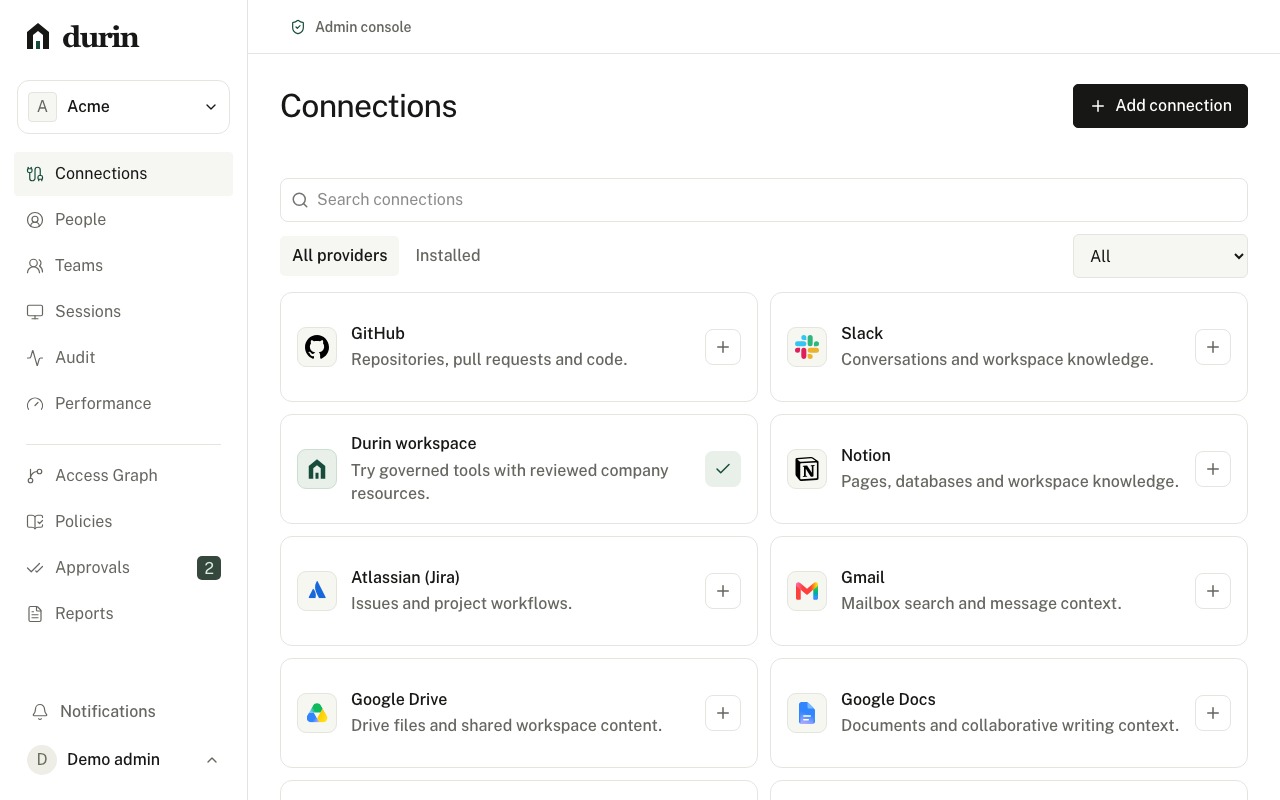
Durin includes provider adapter paths for GitHub, Jira, and Slack, plus generic registration surfaces. Consent, discovery, and activation remain provider-dependent.
Begin with policy, approvals, audit, and uncertain-outcome review before connecting production provider access through explicit trust checks.
Request a custom server with a URL and intended use. Administrators approve setup; the requester is notified when the connection becomes available.
Email delivery and provider activation use the configured customer setup and verification path.
Create an account to manage connection setup, client paths, and the provider checks required before activation.
Create an accountProduction connections use provider setup and trust review.