A boundary for every action.
See how Durin establishes identity, checks policy, applies optional review or disallow controls, and records execution evidence.
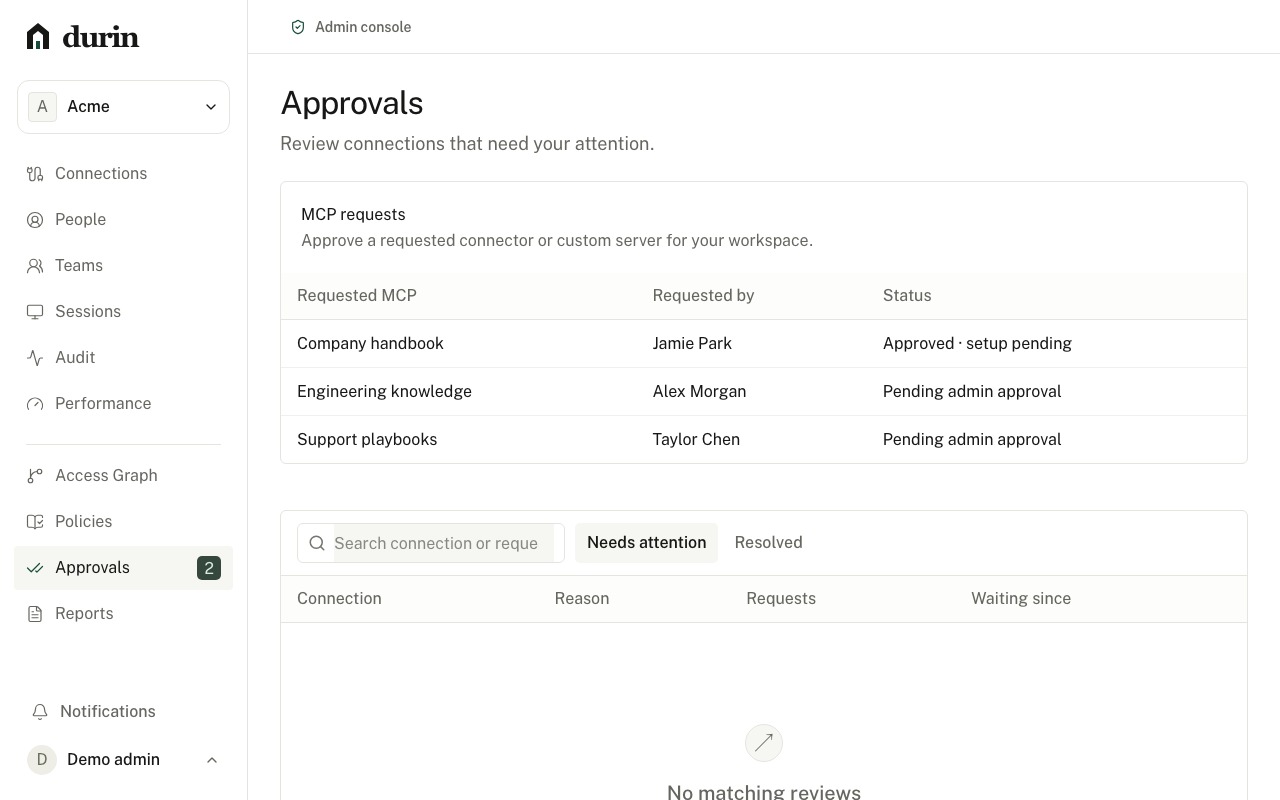
Keep identity, policy, and upstream permission distinct.
Durin connects approved agents to approved systems through one governed access path. It keeps identity, policy, upstream permission, approval, and execution outcome separate.
- 1
Establish identity
Authenticate people and clients through the organization’s identity path. A Durin session does not grant a connected system permission; upstream consent and scoped grants remain separate.
- 2
Define the boundary
Review connections, tools, schemas, and resources. Policies deny by default. Sensitive actions can require a separate approver and an exact, time-limited grant.
- 3
Attribute the outcome
Return a policy result (allowed, denied, or approval-required), followed by an execution result (succeeded, failed, or uncertain) when a call is dispatched. Evidence stays tied to the initiating identity and authenticated client.
Pause for a deliberate decision.
Connection review is one visible checkpoint. Sensitive tool actions can separately require an exact, independent approval.
Understand the controls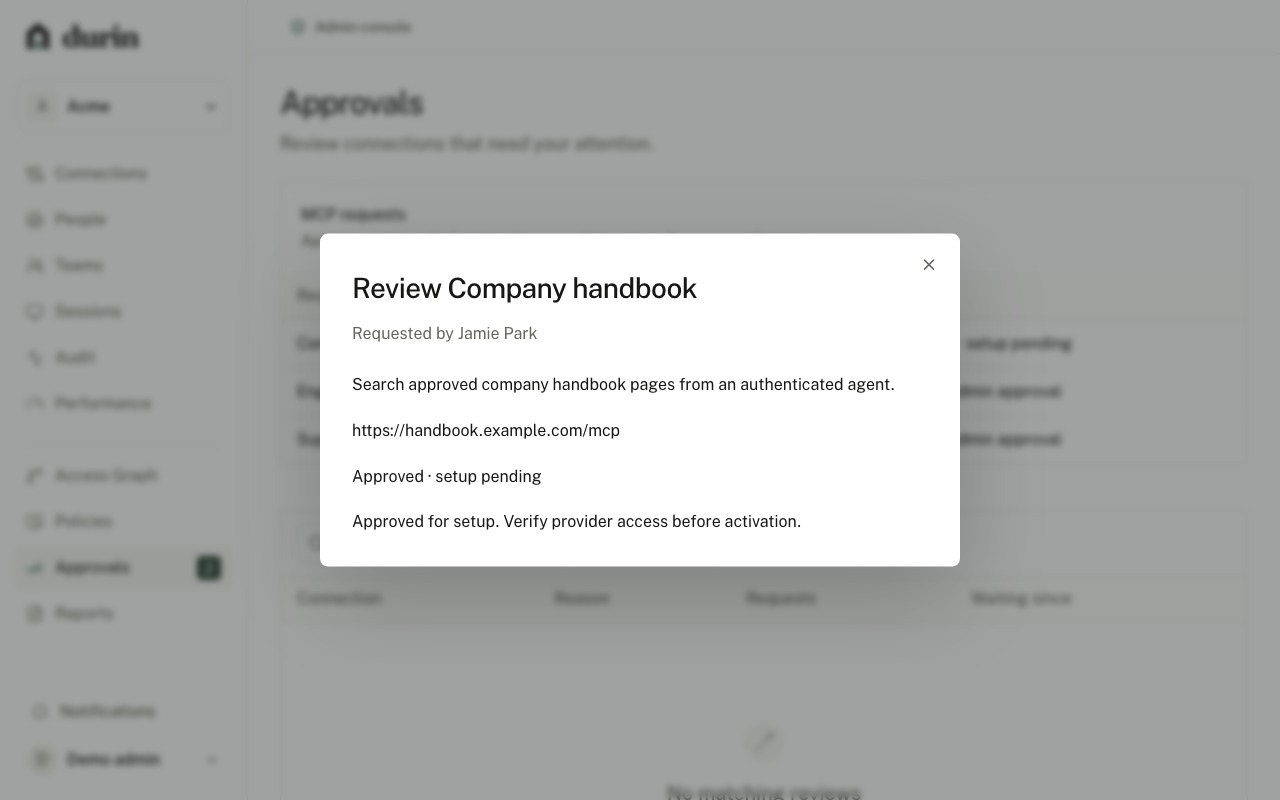
Evaluate the decision boundary.
Create an account to inspect the identity, policy, approval, and execution path behind a governed request.
Create an accountProduction connections use provider setup and trust review.