Put approved agent work on one path.
Give enterprise users a clear path to approved AI agents and company systems, with one place to manage access, approvals, and rollout evidence.
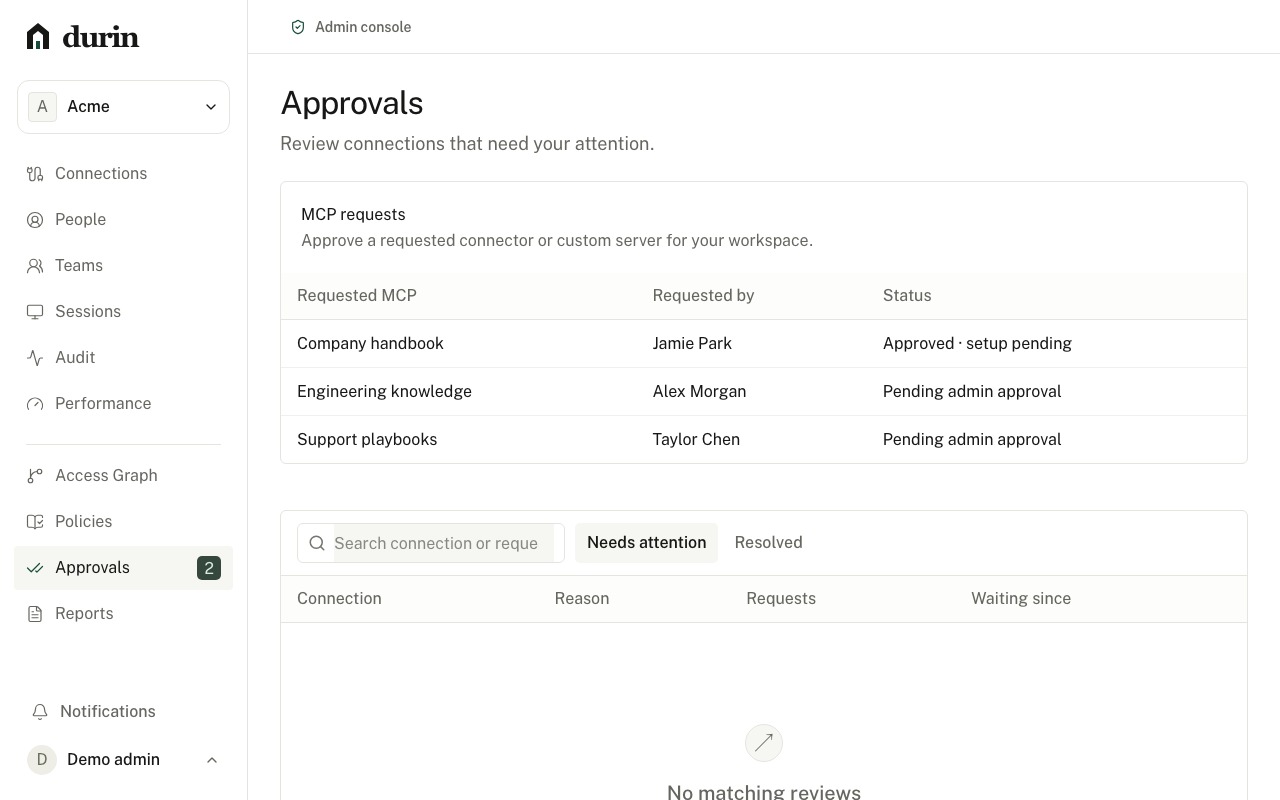
Make the approved route the obvious one.
Put the approved path in people’s hands
Publish the client configuration, connection owner, and support path together. Teams know where to start, while IT can see which setup steps still need attention.
Make every connection accountable
Tie each system to an owner, intended use, credential scope, workspace, and trust check. Enterprise login identifies a person; the connection still decides what that person can reach.
Roll out with a visible next step
Exercise policy, approvals, and audit in a governed workflow, then move each connection forward as its identity, provider, client, network, and deployment evidence comes together.
Replace the access-request thread with a decision.
A purpose, an owner, and a review status give IT a concrete next step. Provider setup stays separate, so an approval never becomes an accidental activation.
Plan your rollout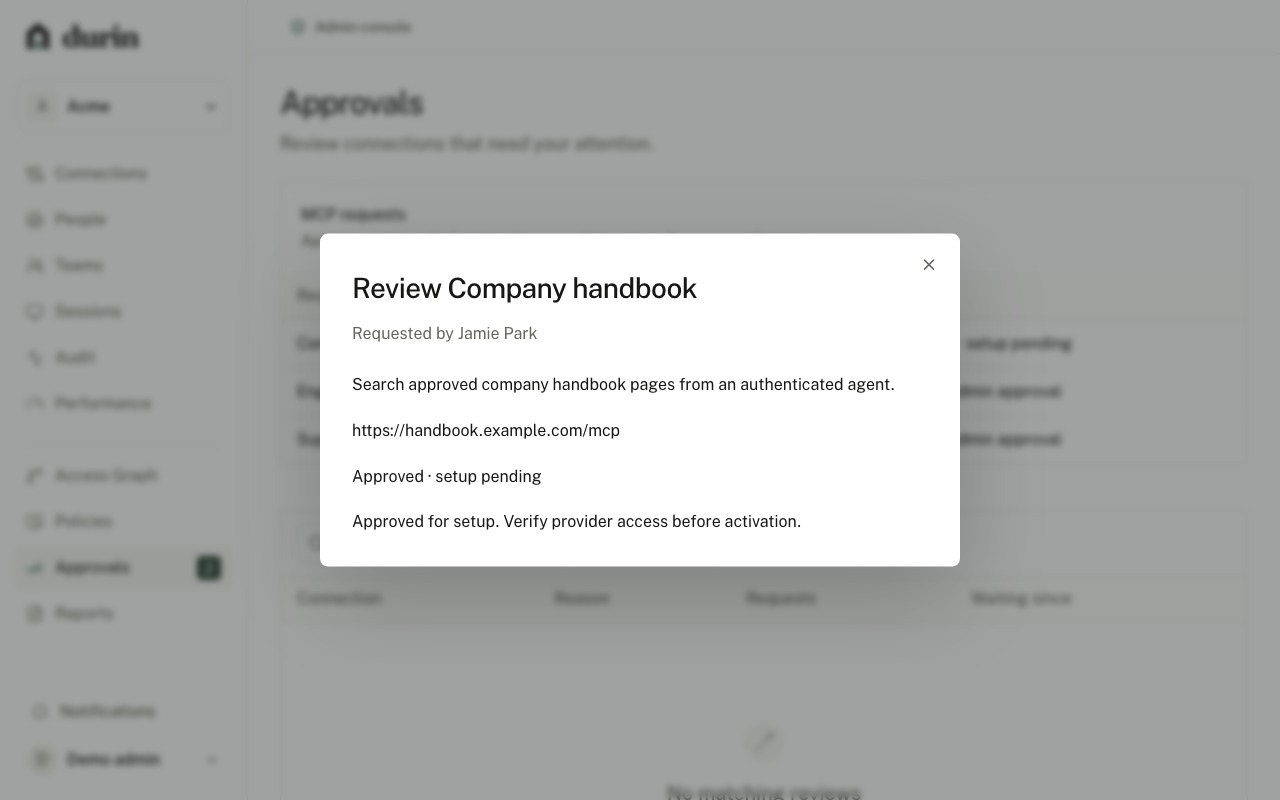
Make the approved route measurable.
Create an account to manage client setup, connection coverage, rollout checks, and a practical rollback path.
Create an accountProduction connections use provider setup and trust review.